Write the Design Before You Split the Work
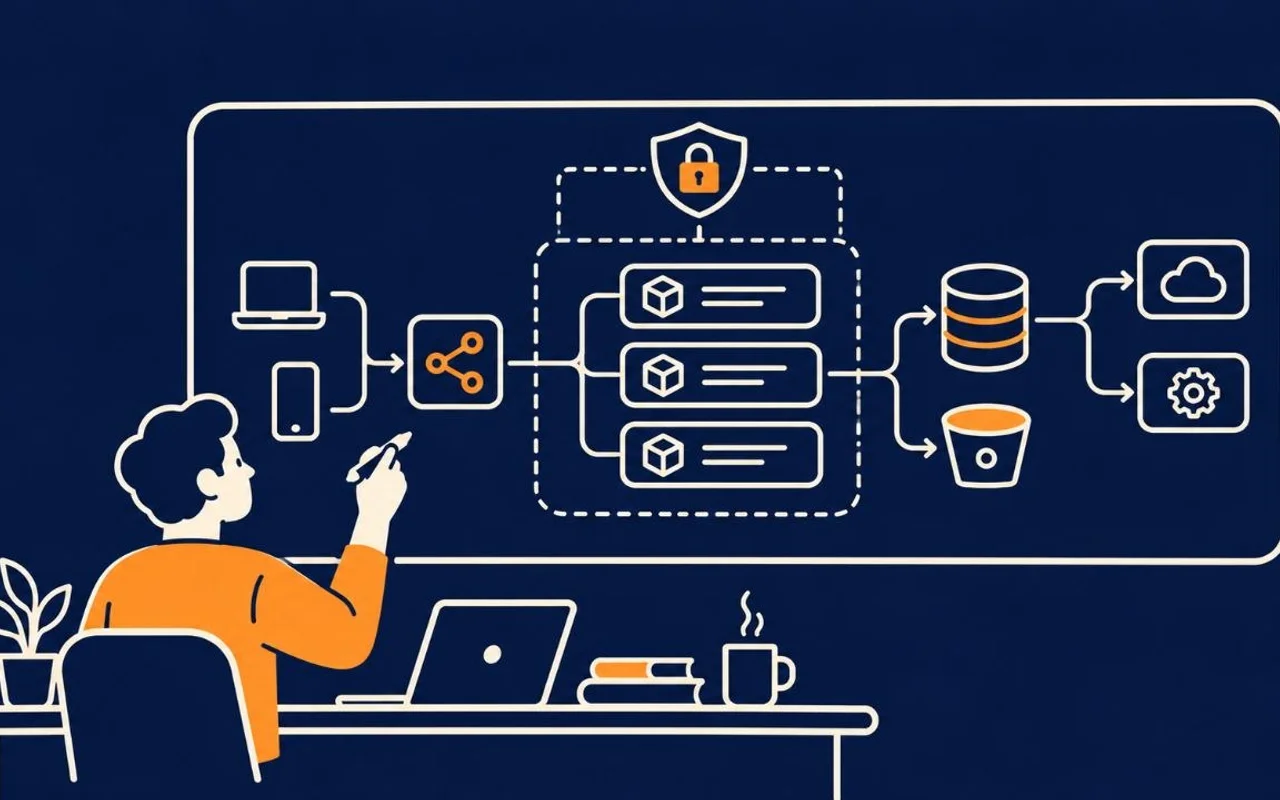
A requirement says what must become true. A design says how the system makes it true without breaking what surrounds it.
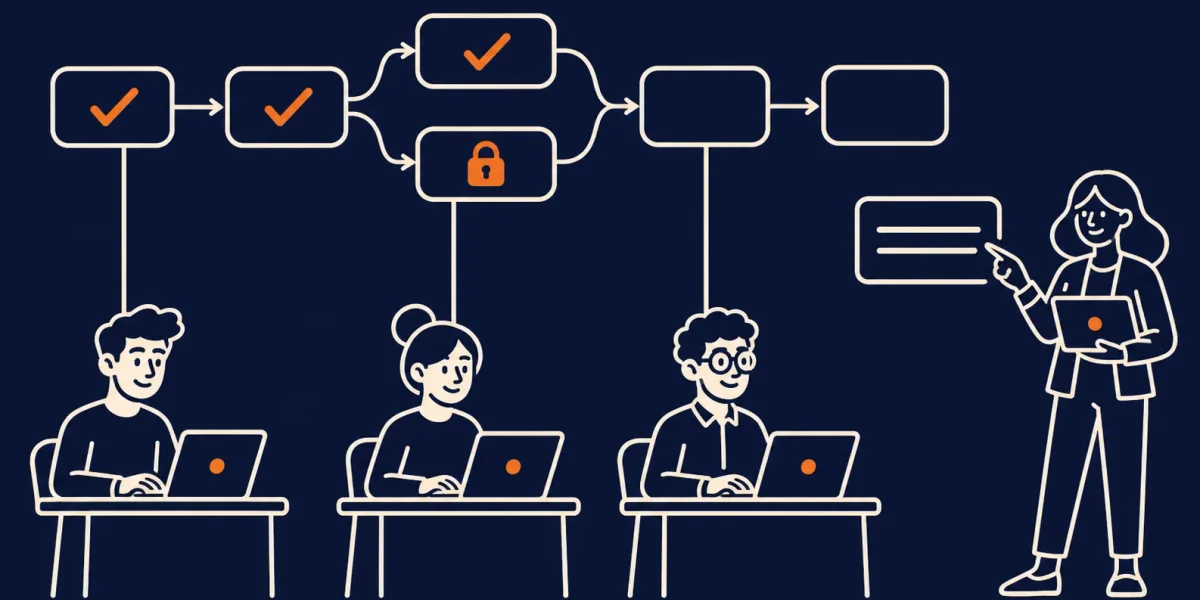
Skip it and three agents given the same requirement will each pick a different data model, API shape, and ownership boundary. That is not parallelism. It is a merge conflict with extra steps.
This part is a tutorial for writing the solution design (design.md) for Tablewait's waitlist auto-promote.
Step 1: Generate the design from a template
Do not design from a blank page. Give the agent the generative prompt and the template — design.md is the shape to fill. As in part 3, you can shape that template with the agent instead of writing it by hand.
Draft design.md for this feature.

Use design.md as the exact template:
keep its sections: problem, system boundary, existing contracts, data
model, hold state machine, concurrency and idempotency strategy,
interfaces, timezone handling, scheduler, and risks.

Read first:
- the approved requirements.md (do not re-open its decisions)
- the current code. For every rule it already follows, tell me which file and function it lives in

Propose no new abstraction unless the existing contracts cannot meet the
outcome. Mark anything you must assume as an OPEN DECISION for a human.
An existing contract is a rule the current code already follows, and your change must keep following it. For example: only hosts can change a table's status, or notifications always go through NotificationService. Ask the agent to name where each rule lives, such as the file and the function or type. If it cannot point to the code, treat the rule as a guess and check it yourself. A design built on guessed rules describes a system that does not exist.
The requirements package is frozen input; the template is the design's shape. What comes back states the problem and the system boundary first: what the change touches and what it must not.
# Solution Design — Waitlist Auto-Promote

## Problem

Hosts manually pick the next waiting party when a table frees. This is slow and double-books
under pressure. We need automatic, exactly-once promotion of the next eligible party with a
time-limited hold that auto-rolls on decline or expiry — without a new notification channel and
behind a feature flag.

## System boundary

**Included**
- Selection of the next eligible party when a table is marked available.
- The `WaitlistHold` lifecycle: create → accept / decline / expire → roll-to-next.
- A scheduler sweep that expires overdue active holds and triggers the next promotion.
- Feature flag `waitlist_auto_promote`.

**Excluded**
- Reservation (future-dated booking) logic.
- Waitlist join/leave flows.
- Any new notification transport (reuse `NotificationService`).
- Priority/VIP ordering.
The agent returns a draft. Steps 2 to 6 show what to check in each section of it, using Tablewait's draft as the example. You are the reviewer.
Step 2: Check the existing contracts
A useful design separates facts (from the current system) from choices (the team must make).
The draft lists the contracts like this:
## Existing contracts (unchanged)

- `WaitlistEntry { id, restaurantId, size, phone, joinedAt, status: waiting|seated|removed }`
- `Table { id, restaurantId, capacity, status: occupied|available }`
- `NotificationService.send(partyId, template)` — SMS + in-app.
- Only a host may change `Table.status`.
Each one is something the code already does. When you review, open the code and confirm each contract, using the file and function the agent named. The paths in this series are made up, so there is nothing to open here, but in a real repository this is the check that matters.
The facts are the contracts. The choices are the team's decisions:
- Where the hold state lives.
- How a table is prevented from holding for two parties at once.
- What happens to an in-flight hold when the flag is turned off.
Agents are good at finding facts. They must not silently decide the choices.
Step 3: Check the data model
Auto-promote needs one new record. Make its shape explicit so every worker agrees on it.
// src/waitlist/models/WaitlistHold.ts
type HoldStatus = 'active' | 'accepted' | 'declined' | 'expired';

interface WaitlistHold {
  id: string;
  tableId: string;
  waitlistEntryId: string;
  restaurantId: string;
  status: HoldStatus;
  createdAt: Date;   // server time
  expiresAt: Date;   // createdAt + 5 minutes, server time
}
The design also records the persistence rule: a unique partial index on tableId WHERE status = 'active' guarantees at most one active hold per table.
Without this shared type, one agent invents heldBy, another uses status: "pending", and a third disables the table record. All three pass local tests. The combined change describes three different systems.
Step 4: Check the state machine
Auto-promote is a concurrency problem, not a notification problem. Say exactly how a hold moves:
acceptedis terminal and seats the party.declinedandexpiredare terminal for that hold and both trigger roll-to-next.- If an
expiredtransition has already happened, a laterdeclineis a no-op (expiry wins).
Step 5: Check the concurrency and idempotency rules
This is the heart of the design. Record the guarantees, not just the intent. These rules assume a SQL database that supports partial unique indexes and row locking, such as Postgres. If yours does not, the design must say how it gets the same guarantees:
- Unique partial index (
tableId WHERE status='active') makes a second active hold a DB constraint violation, not a race we have to reason about. (AC5, AC8) - Transaction + row lock:
selectNextPartyruns in a transaction thatSELECT ... FOR UPDATElocks the candidate waitlist rows and the table row, so two frees of the same table serialize. - Idempotency key per
(tableId, freedAt): repeatedpromoteNextPartycalls with the same key return the existing hold instead of creating a new one. (AC8) - Accept vs expire race: both paths do a conditional update guarded on
status='active'; exactly one wins, the loser becomes a no-op. (AC2, AC3)
These rules are what stop AC5 (two tables freeing at once never double-book a table or create two active holds) and AC8 (re-marking a held table creates no second hold). The last one makes accept and expire resolve to exactly one outcome.
Step 6: Check the interfaces
Name each entry point with its input, output, and failure. These become the contracts the plan splits along.
| Function | Input | Output | Failure modes |
|---|---|---|---|
promoteNextParty(tableId, actor=host) | tableId, host actor, idempotency key | a new or existing WaitlistHold, or null (empty waitlist) | not-a-host → reject; table not available → reject; flag OFF → no-op manual path |
acceptHold(holdId, actor=party) | holdId, party actor | seated party + occupied table | hold not active (expired/declined/accepted) → no-op; wrong party → reject |
declineHold(holdId, actor=party) | holdId, party actor | declined hold + next promotion | hold not active → no-op (expiry wins); wrong party → reject |
runHoldExpirySweep() | — (scheduler actor) | expires overdue active holds, triggers next promotion | none; idempotent per hold |
Selection predicate (first-come): status == 'waiting' AND size <= table.capacity AND
restaurantId == table.restaurantId, ordered by joinedAt ascending. Parties with status
seated or removed are skipped. (AC6)
What the finished design.md looks like
Put together, the reviewed draft has ten sections, in this order. Most map to a step above. The timezone and scheduler sections hold the details that sit next to the interfaces:
# Solution Design — Waitlist Auto-Promote

## Problem

## System boundary

## Existing contracts (unchanged)

## Data model (new)

## Hold state machine

## Concurrency & idempotency strategy

## Interfaces

## Timezone handling

## Scheduler

## Risks
Step 7: Ask an agent to pressure-test the design
Read requirements.md, design.md, and the current code.

Do not change files.

Return:
1. The rules the code already follows, each with the file and function it lives in.
2. Decisions the design makes that the code cannot support yet.
3. Any race condition the concurrency rules do not cover.
4. The smallest affected system boundary.

Do not propose a new abstraction unless the existing contracts cannot
meet the outcome.
The order matters: evidence before proposals.
Keep it small enough to use
If the design takes longer to read than the code takes to write, it is too big for this change. Name the boundary, the contracts, the new state, the state machine, the concurrency rules, and the interfaces. Let the pressure test list the risks. Leave testing to part 7 and rollout to part 8. Then stop.
What else a design can contain
Tablewait's design has the ten sections above. Your change may need more. Use what it needs and skip the rest. Skipping is still a decision, so write "no migration needed" instead of leaving a gap.1
- Architecture and components: the pieces involved and how they talk to each other, often with a diagram.
- Migrations: schema changes, backfills, and how to undo them.
- Tech stack and dependencies: libraries or services the change adds, and why the existing ones fall short.
- Alternatives considered: options you rejected, and why.
- Security and privacy: who can do what, and what data is exposed.
- Observability: the logs, metrics, and alerts that show it works in production.
- Testing strategy: how each acceptance check will be proven. Part 7 covers this.
- Rollout and rollback: how it goes live, behind which flag, and how to switch it off. Part 8 covers this.
The package you just built
design.md now joins the pack. The next part turns it into an implementation plan and a live status tracker. The interfaces from Step 6 are where that plan splits the work, so each agent builds against a contract instead of a guess.
Download this stage's package (.zip) — the solution design artifact and the pack README. The complete pack is linked from the series guide and the final part.
Related reading
- From a Vague Request to an AI-Executable Requirement
- Turn the Design into an Implementation Plan
- Spec-Driven Development in Practice: A Walkthrough with Spec Kit
Footnotes
-
This checklist draws on common design-doc templates and on the plan and design steps of spec-driven tools. See the Spec Kit plan template and Kiro's feature specs. Alternatives, security, and rollout sections are standard in most design-doc templates. ↩