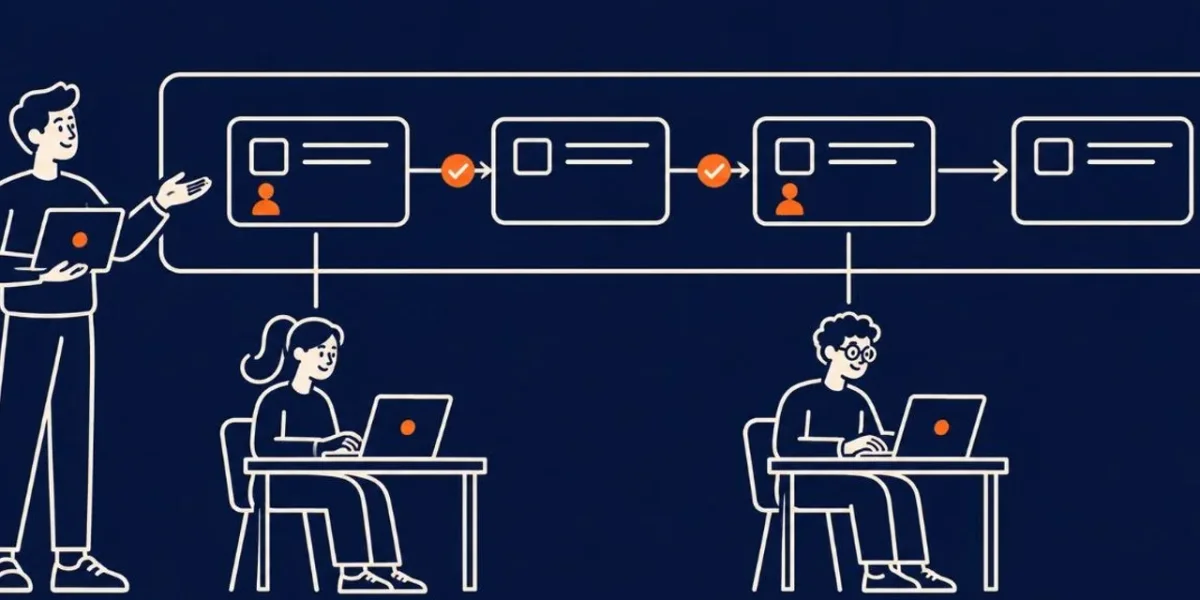
Run the Plan One Work Package at a Time
A plan builds nothing. Someone still has to turn each work package into code.
Hand the whole plan to one agent and you get one long session. The context fills up, early decisions are forgotten, and the diff is too big to review. The fix is the same one the plan already gave you: small packages with hard boundaries, run one at a time.
This part is a tutorial for running the plan. There is no new document. The artifact is the implementation-status-tracker.md from the previous part, kept current as each package lands.
Step 1: Pick the next package that is ready
A package is ready when everything in its depends_on is done in the tracker. done means a green run of the package's verification command, not a message from an agent.
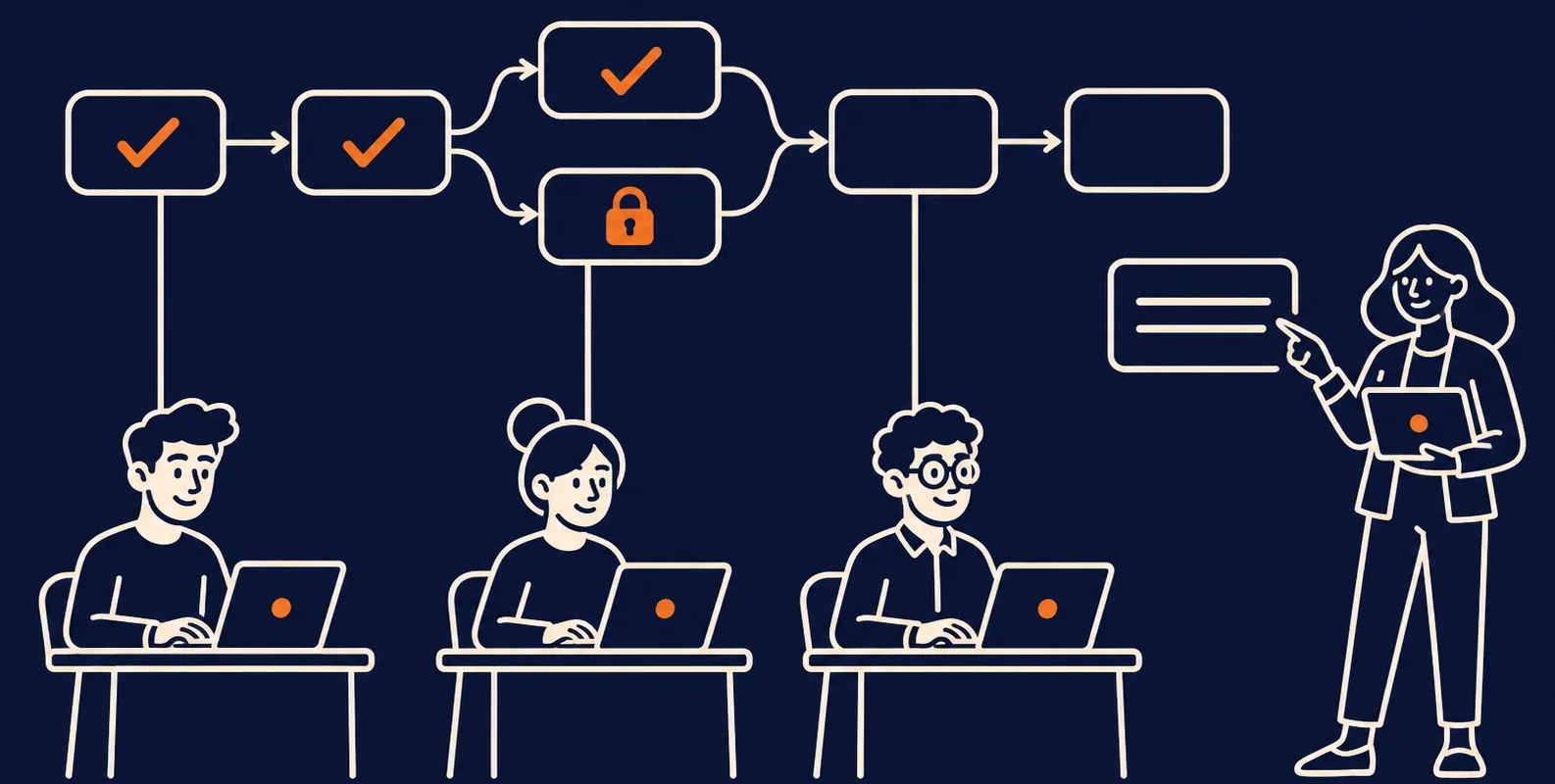
For Tablewait, wp1 goes first because nothing depends on it. Then wp2. Then wp3 and wp4 can run together. wp5 waits for both, and wp6 comes last.
Each package goes through the same loop:
Step 2: Give the agent one package and a hard boundary
The prompt comes from the plan. Copy the package's files, must_not_change, and verification lines into it. Then add one thing the plan does not have: a list of reasons to stop.
Implement work package wp3-accept-decline-actions only.

Read:
- design.md
- implementation-plan.md
- src/waitlist/services/promotionService.ts

You may edit only:
- src/waitlist/services/acceptHold.ts
- src/waitlist/services/declineHold.ts
- src/waitlist/api/holdActions.controller.ts

Do not change the promotion service signature, the hold model, or the UI.

Stop and report, instead of continuing, if:
- you need to edit a file that is not listed
- the design does not settle a decision you must make
- the verification command still fails after two attempts

Run: npm run test:integration -- holdActions

Return:
1. Files changed.
2. The command you ran and its output.
3. Assumptions or open questions.
An agent that cannot ask a question will guess. Give it a way to stop, and a guess becomes a report you can read.
Step 3: Run the check yourself
Do not accept "all tests pass" as the agent's word. Run the verification command from the plan:
npm run test:integration -- holdActionsThen check that the agent stayed inside its boundary. Put the package's files in allowed.txt, one per line, with the tests the package adds. List what changed on the branch and remove everything that is allowed:
git diff --name-only main...HEAD | grep -vxFf allowed.txtNo output means the agent stayed inside the boundary. Any file that appears is a finding. Ask why before you merge.
Step 4: Review the diff against the package
A green command proves the tests pass. It does not prove they are the right tests. For each package, read the diff with four questions:
- Are all changed files inside the boundary?
- Is everything in
must_not_changeuntouched? Forwp3, that is the promotion service's public signature. - Is the outcome true?
acceptHoldseats the party and occupies the table, and both actions guard onstatus = 'active'. - Do the tests assert what the acceptance criteria say?
wp3covers AC2 and AC4, so check the tests against those two sentences, word for word.
Step 5: Run independent packages in parallel, carefully
wp3 and wp4 do not depend on each other, so two agents can work at once. Give each its own checkout so they cannot touch the same files:
git worktree add ../tablewait-wp3 -b wp3-accept-decline-actions
git worktree add ../tablewait-wp4 -b wp4-expiry-scheduler
Merge one package at a time. After each merge, run both verification commands again.
The graph can overstate how independent two packages are. In the Tablewait tracker, wp4 stays blocked until wp3's guard on status = 'active' is final. The sweep and the accept path must agree that exactly one outcome wins. If a package needs a contract to change, it stops. Change design.md first, update the plan, then resume. The rule from the previous part still holds: parallelize files, sequence contracts.
Step 6: Update the tracker as each package lands
The tracker is the shared record of where the work stands. Update it after every package, including the ones that are stuck:
| Package | Owner | Status | Evidence | Updated |
|---|---|---|---|---|
| wp3-accept-decline-actions | implementation-agent | in progress | holdActions suite 9/12 passing; accept-vs-expire race test still flaky | 2026-08-08 |
| wp4-expiry-scheduler | implementation-agent | blocked | waiting on wp3 accept/expire guard to settle before sweep can assert "expiry wins" | 2026-08-08 |
Evidence is a command and its result. A package moves to done only with a linked green run of its verification command. A package that is stuck says why.
When a package will not go green
You have three options:
- Retry with a narrower prompt. Use this when the agent misread the boundary.
- Split the package. Update the plan first, then run the two halves.
- Go back to the design. Use this when the package needs a decision the design never made.
Decide whether the code or the test is wrong before you retry. In the Tablewait tracker, the flaky wp3 test was traced to a test that did not pin the database's now(). The code was fine. Asking the agent to try again would have produced noise. Never let an agent make a flaky test pass by loosening it. Review that change like any other.
The package you just built
There is no new document this time. implementation-status-tracker.md is now current: every package is done with a linked green run, or says why it is not. The next part proves the whole change against the acceptance criteria.
If you still have the previous part's download, you already have the tracker. The complete set is linked from the series guide and the final part.