Improving Lighthouse Performance with AI Image Optimization
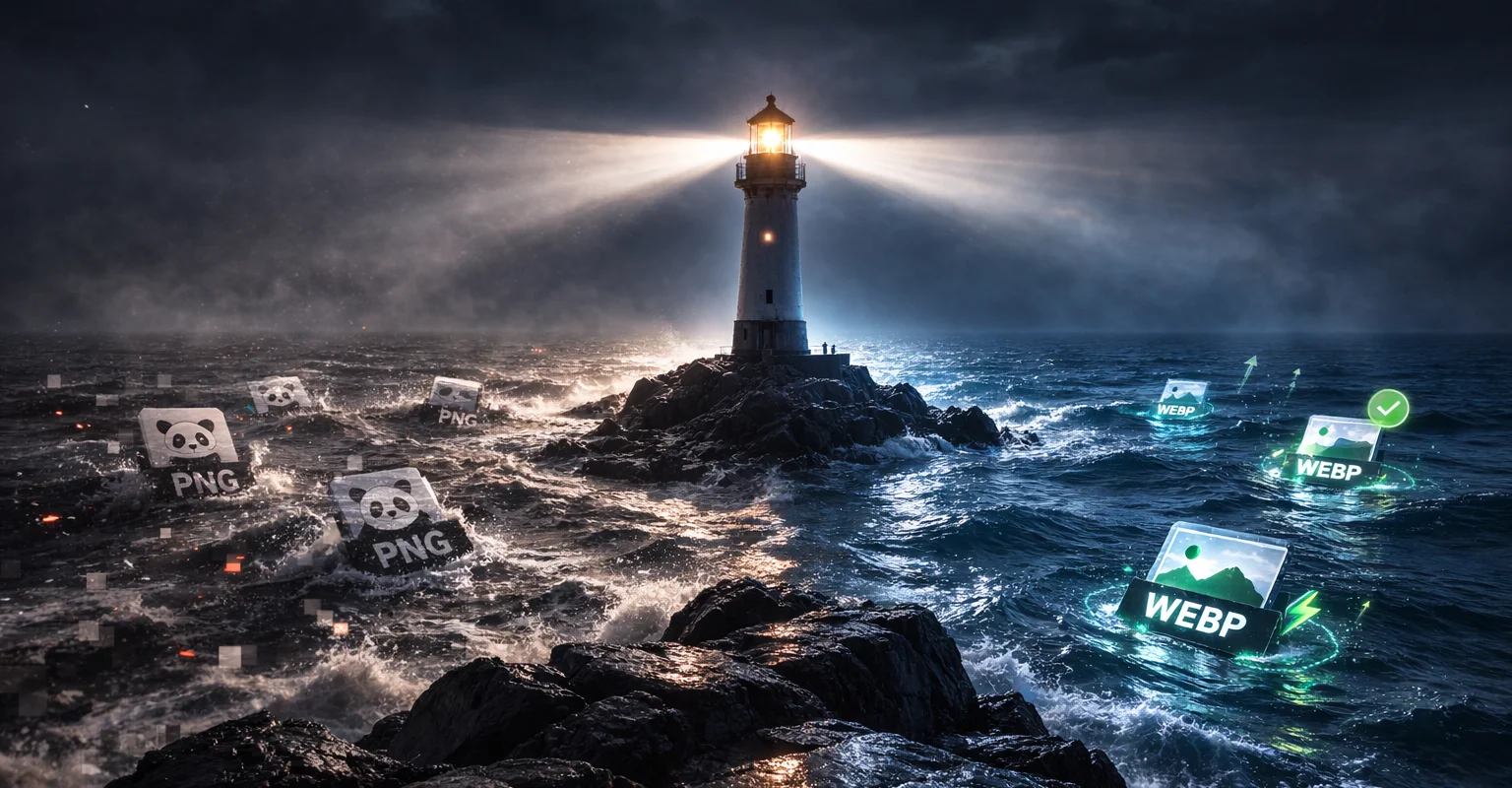
When I started publishing more content last year, especially image-heavy posts, I realized I had not optimized how images were being delivered on the page. Load times started to get worse, and although I knew what the problem was, I kept delaying it because it felt like repetitive side-project work. After seeing what AI agents could help me do in other tasks, I decided to tackle this one quickly by pairing with my Claude agent Jim (JavaScript and Web expert) and turning it into a focused optimization session.
We approached it in phases and measured each step. First, we added native lazy loading so below-the-fold images stopped loading immediately, which moved Lighthouse from 56 to 61. Next, we built a script to convert JPG/PNG images to WebP and update post references automatically; that converted 84 images, reduced total image weight from 277.31 MB to 92.79 MB (66.5% smaller), and pushed Lighthouse to 72. Finally, we tuned LCP/CLS by prioritizing the first meaningful image (loading="eager", fetchpriority="high"), adding preload hints, injecting width/height attributes to prevent layout shifts, and improving static asset cache headers. That final phase increased Lighthouse to 85.
What mattered most was applying core web performance fundamentals in order: reduce bytes, defer non-critical work, prioritize above-the-fold assets, and stabilize layout. If your posts are image-heavy, start with format optimization plus lazy loading, then move to LCP/CLS tuning once you have baseline metrics. If you want broader context on the project evolution, see my previous post: Upgrading a 4-Year-Old Next.js Blog with AI.