How I Use Tailscale to Access My Home Server
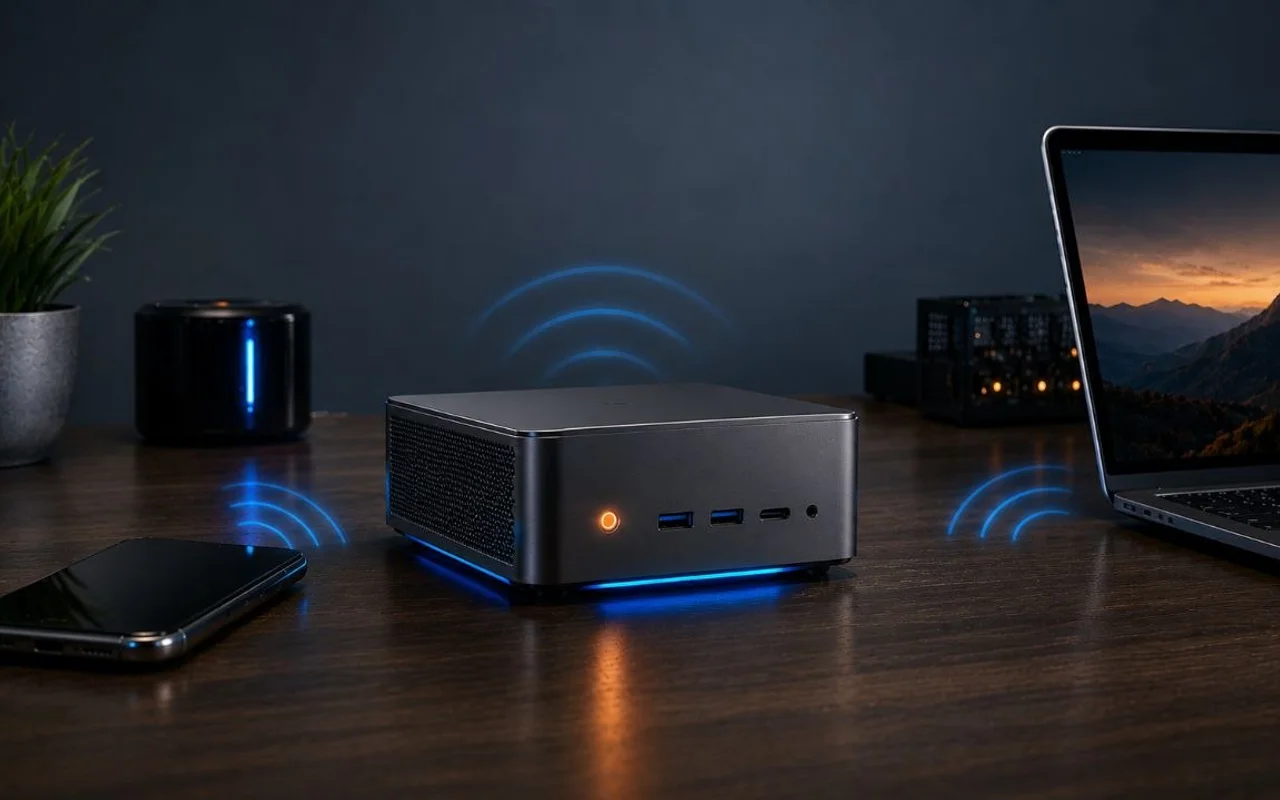
I wanted to open my home server dashboards from my phone on mobile data or SSH in from my laptop while away from home, without exposing more services to the public internet.
What Tailscale Adds
Tailscale solved that by putting my devices and the Beelink on the same private network. My phone can be on mobile data, my laptop can be anywhere, and I can still reach the server over its Tailscale IP or MagicDNS name without opening more ports.
I like this model more than exposing extra dashboards behind public DNS because these tools are only for me. If an app does not need to be public, I would rather keep it off the public internet entirely.
How It Fits
I installed Tailscale on the Beelink host itself. Once it joined my tailnet, my approved devices could reach it privately while the rest of the stack stayed unchanged.
How I Set It Up
- Install Tailscale on the Beelink S12 host.
- Sign in and join the server to my tailnet.
- Install Tailscale on my phone and laptop.
- Add a Traefik host rule for the server's Tailscale MagicDNS hostname so private routes resolve cleanly inside the tailnet.
- Use the server's Tailscale IP or MagicDNS name for private access.
Tradeoffs
This shifts the security boundary from open ports to trusted devices and identities. That works well for a small homelab, but you now have to trust the devices connected to your tailnet and still keep security monitoring in place.
For my setup, that is the right tradeoff: the stack stays private, the remote access story stays simple, and I can check a service from anywhere without turning it into a public app.